Kaeso 0.7: rerank, batches and decisions, 23 more providers, and guardrails
Kaeso 0.7.0 is out. Apps rerank, run batches, store Responses and ask decision models through the gateway, 23 more providers are built in, organizations add guardrails, SCIM, webhooks and their own currency, and installs get lighter and run on Kubernetes. Here is what changed and how to update.
- Published
- Reading time
- 7 min
- Author
- Kaeso Team

Your apps already talk to more than one model. One team calls OpenAI, another Claude on Bedrock, a third ranks search results with Cohere, and every one of them has its own keys, its own bills and its own idea of what a log is. Kaeso is the open-source gateway you run yourself that puts all of it behind one address: one set of keys, limits, logs and costs, whichever provider answers.
Kaeso 0.7.0 is out, with nearly 300 pull requests merged since 0.6.0. It takes Kaeso past chat and media to every kind of request apps send to models, builds in 23 more providers, and adds what a whole company needs to run one gateway for many teams. Watch the 49-second film, then try each part yourself in the live demo (opens in a new tab).
Ask models more than chat
Chat is only part of what apps send. They also rank search results, run thousands of requests overnight and ask models to decide things. In 0.7 all of that goes through Kaeso, with the same keys, limits, logs and costs as every chat request:
- Decisions. Ask a model a typed question, yes or no, a choice, a score or a box, and get every answer back with its probability instead of a sentence to parse. Apps use OpenAI's Decisions API, TypeSafe's System One API or Gemini's Decisions API, and Kaeso translates between the three, so an app written for one asks the models of the others.
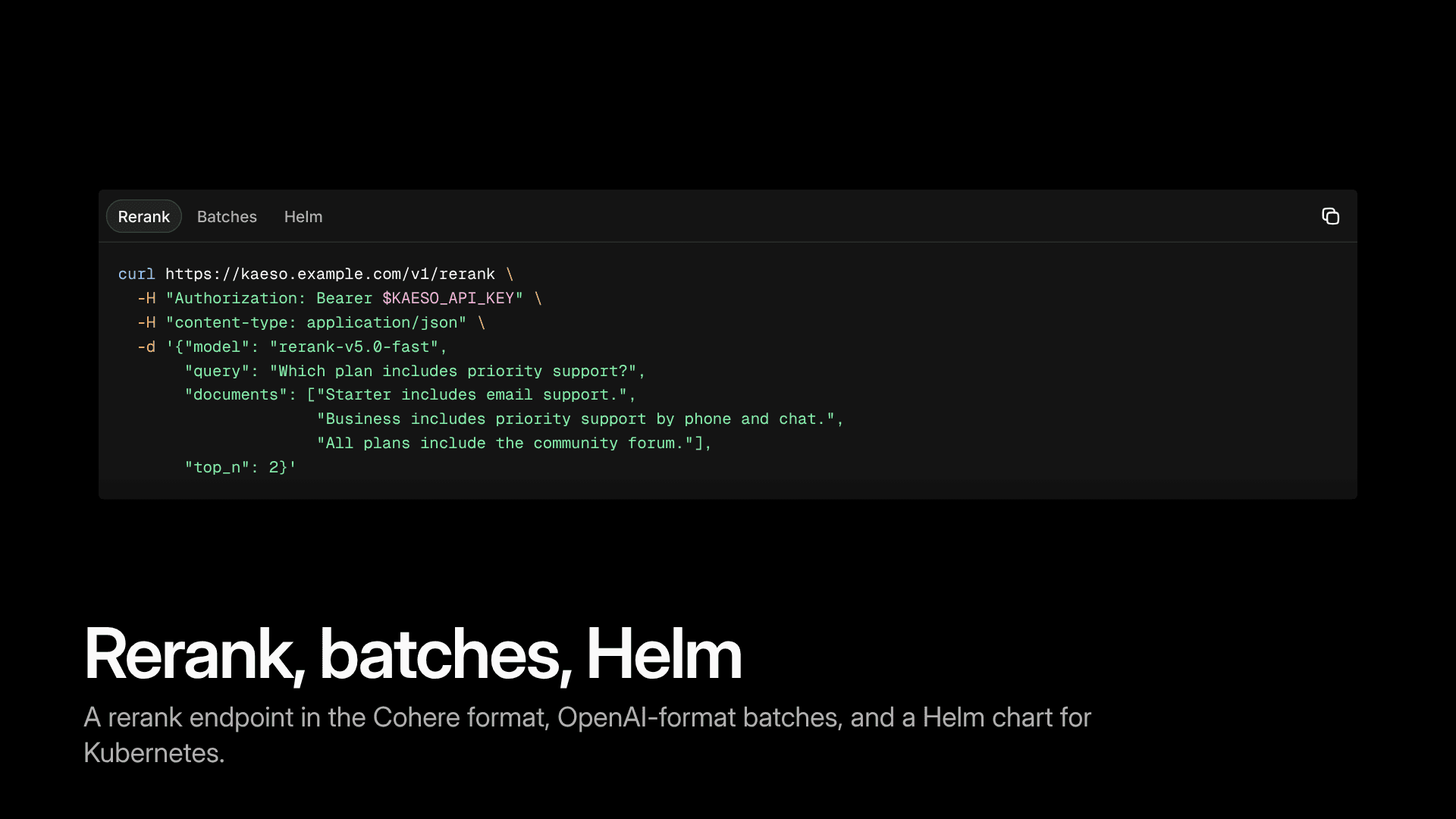
- Rerank at
/v1/rerankand/v2/rerankin Cohere's format, answered by Cohere's Rerank 5 models and by Voyage AI and Jina AI. - Batches through OpenAI's Batch API, checked against the app's key and charged at the batch price.
- Stored responses: Responses apps store and continue responses at OpenAI, where the organization and project allow it.
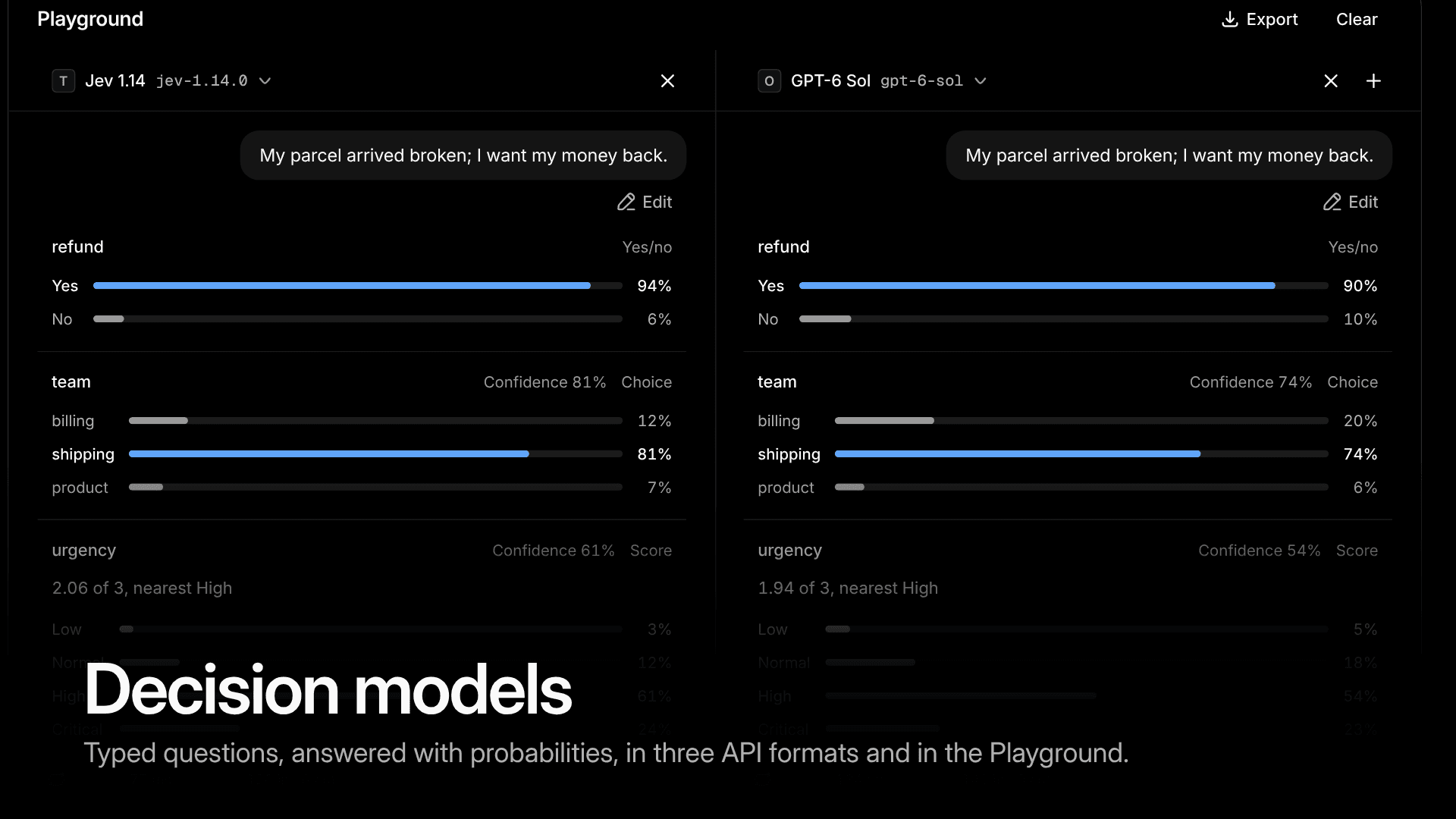
The Playground asks decision models too. Put two side by side, ask "My parcel arrived broken; I want my money back," and see in a glance which one is surer that it's a refund, and which team should take it.
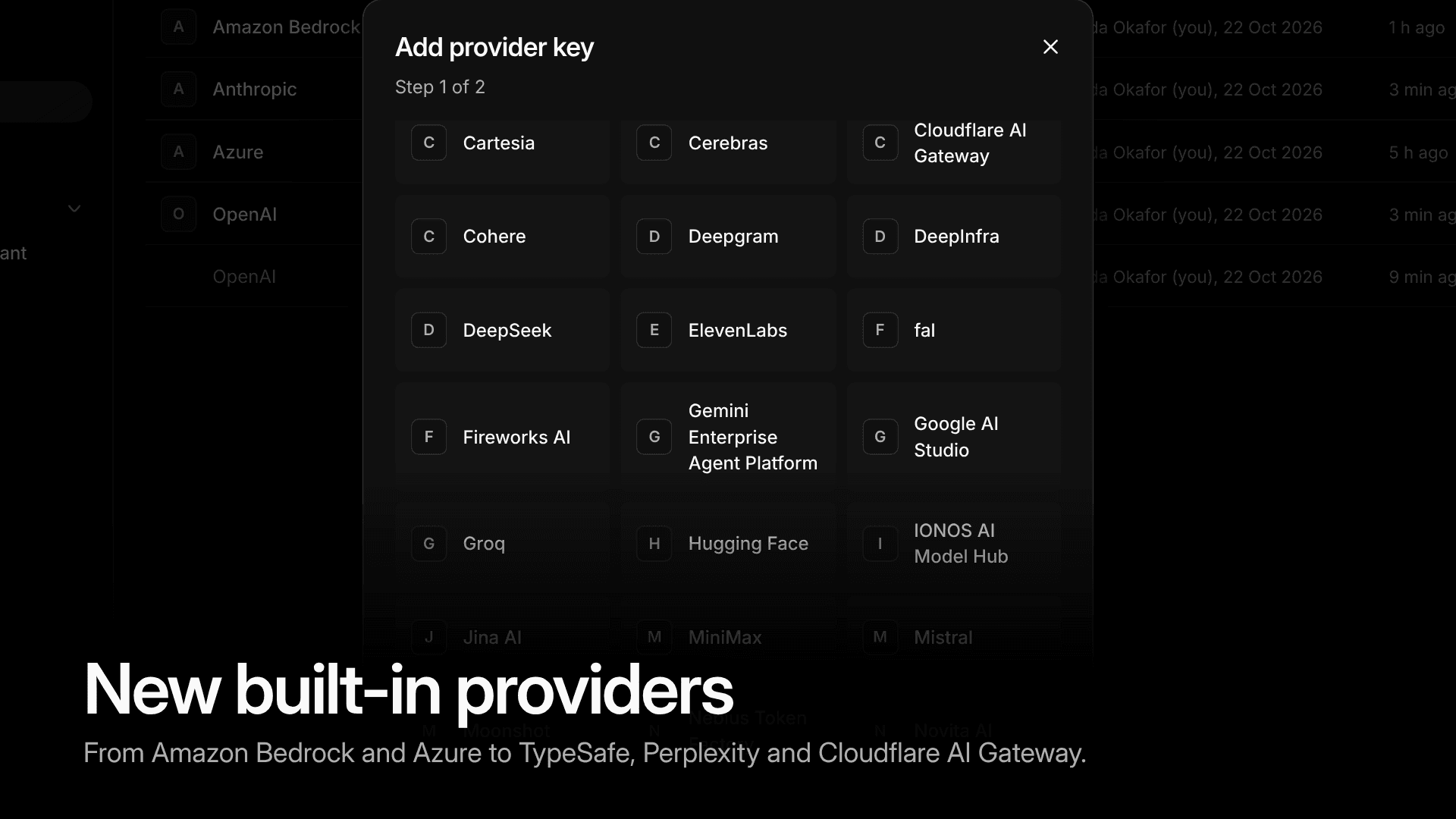
50 providers, each one key away
Amazon Bedrock, Azure, Cloudflare AI Gateway, Standard Compute, Perplexity, TypeSafe, DeepInfra, Upstage, Volcengine Ark, IONOS AI Model Hub, Novita AI, OVHcloud AI Endpoints, StepFun, Tencent TokenHub, Venice, Baidu Qianfan, Voyage AI, Jina AI, fal, Replicate, Deepgram, Cartesia and AssemblyAI are now built in, 50 in all. Add a key, and their chat models answer from every app format, and the others through the API they serve. Your apps don't change.
Bedrock keys can be a Bedrock API key, an AWS access key or the gateway's own AWS role, and reach Claude, Amazon Nova and Meta Llama. Azure keys can sign in with a Microsoft Entra ID service principal. fal and Replicate make images and videos; Deepgram and Cartesia speak and transcribe, and AssemblyAI transcribes. The providers page lists all of them.
Requests that keep going
A provider's rate limit, a dropped connection or a model that shuts down next month shouldn't become your app's outage. 0.7 handles each one in the gateway:
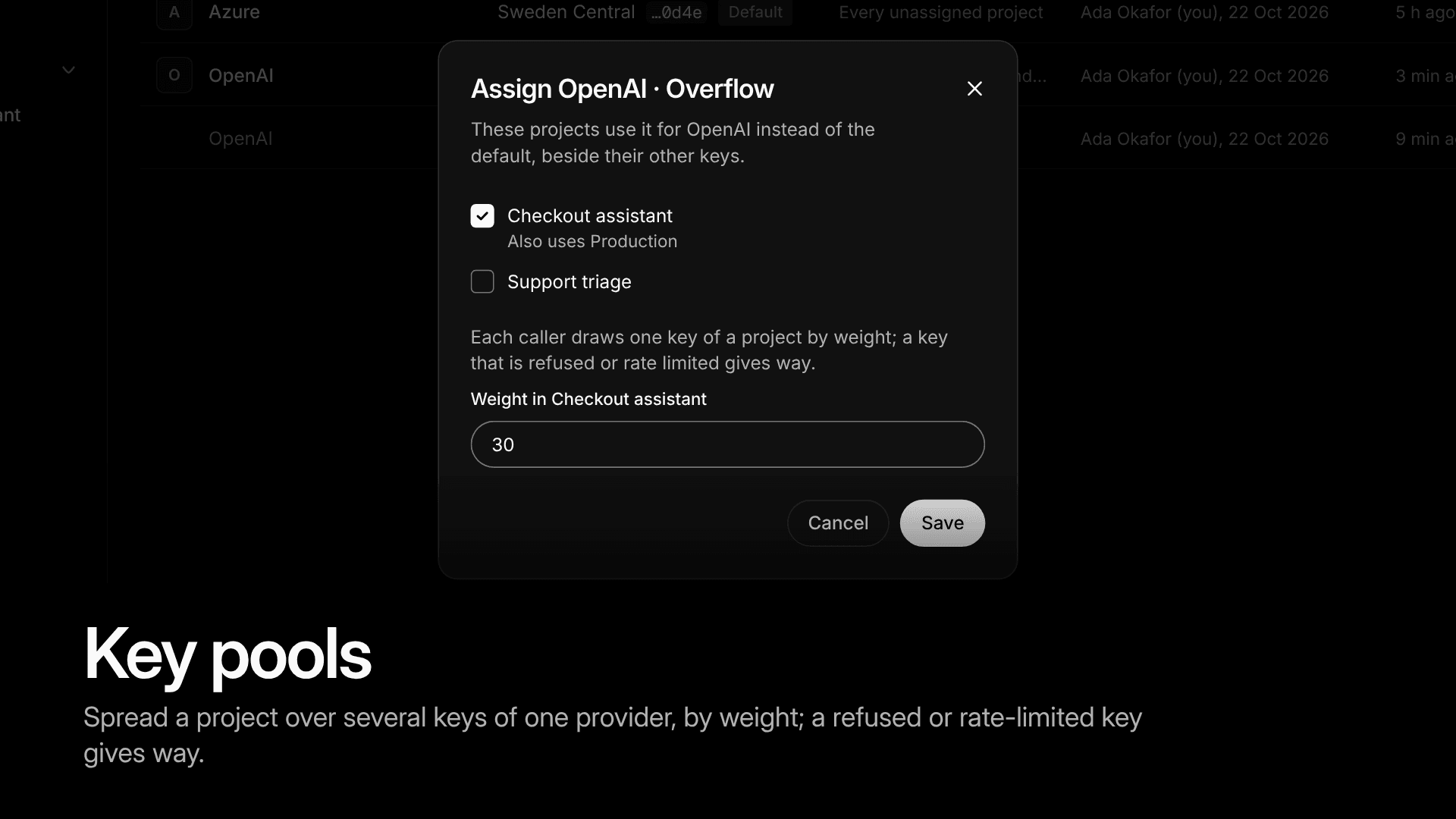
- Key pools. Spread a project over several keys of one provider, by weight. A key that is refused or rate limited gives way to the next.
- Retries. A step tries its model again after a dropped connection, a 5xx or an overloaded provider before it fails or falls back, and a stream that fails before any output falls back to the next step.
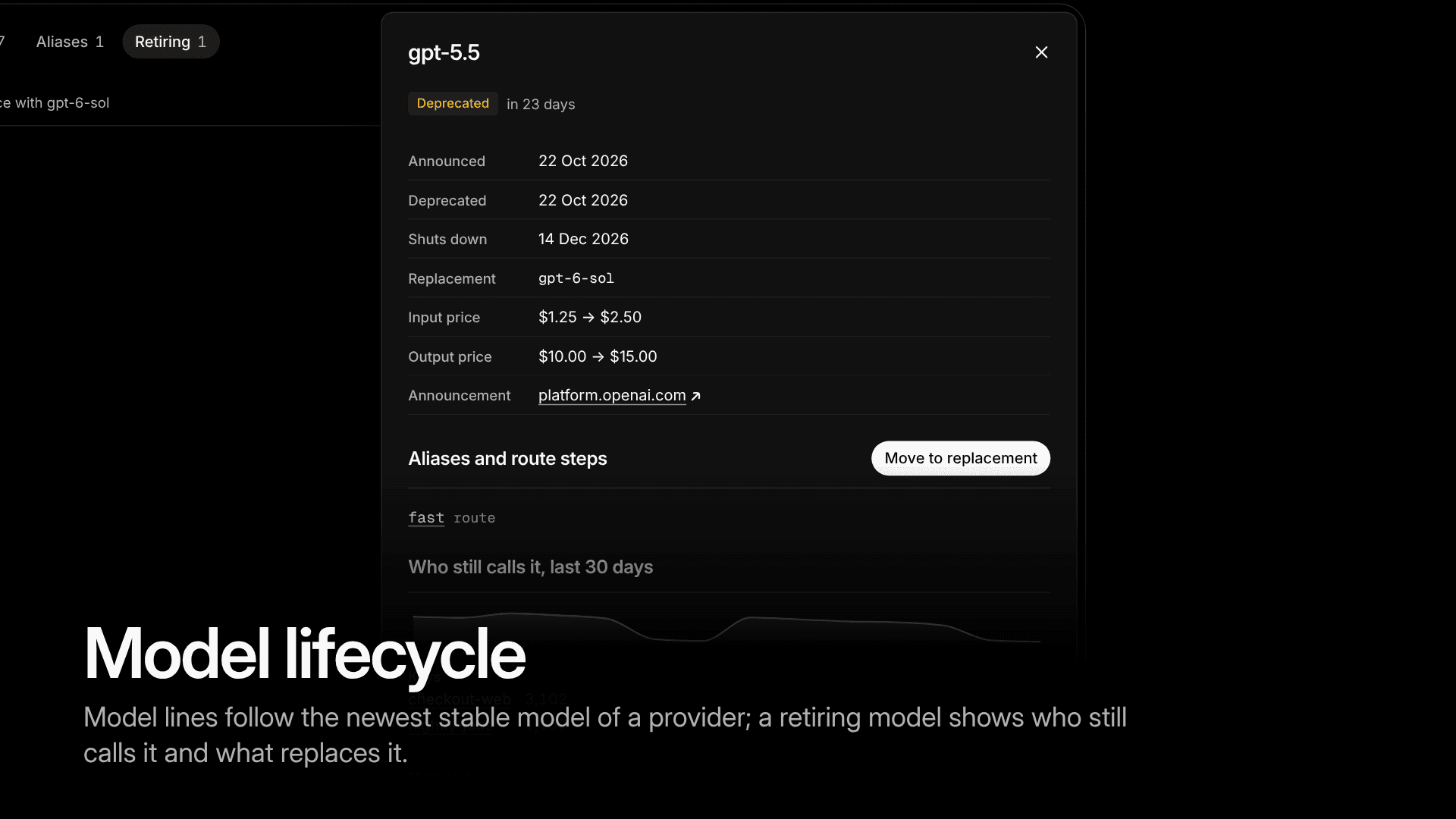
- Model lifecycle. Projects see when their models shut down and who still calls them, and move to the replacement in one click or on their own. Model lines such as
claude-opus-latestfollow a provider's newest stable model, so an app can stay current without a deploy. - Headers for apps. Apps shorten how long Kaeso waits with
kaeso-timeout, keep a request's content out of the log withkaeso-log-content: offand tag requests withkaeso-tags, and, where the key may see them, read what is left of their limits and budgets inkaeso-limitsand what an unstreamed reply cost inkaeso-cost.
Ready for the whole company
Once more than one team uses AI, someone has to answer: what data leaves the building, who has access, and who hears about it when a budget runs out. 0.7 gives the answers a place in Kaeso:
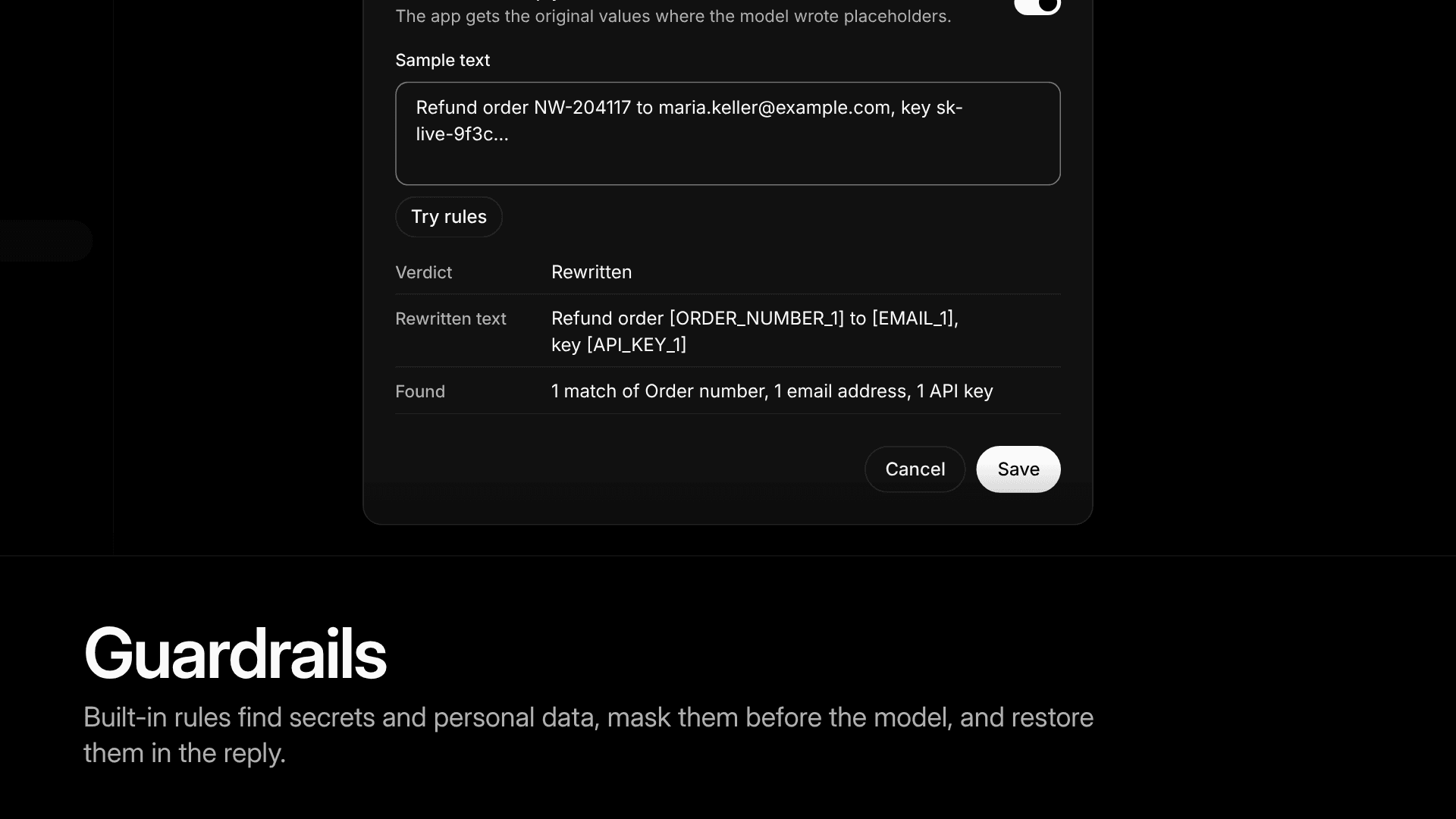
- Guardrails. Built-in rules find secrets and personal data in requests, an API key, an email address, an order number, and mask, block or count them, and can keep them out of the request log. Masked values go to the model as placeholders and come back filled in, so the app sees the real reply. Chat requests and their replies can also be checked by services of your own.
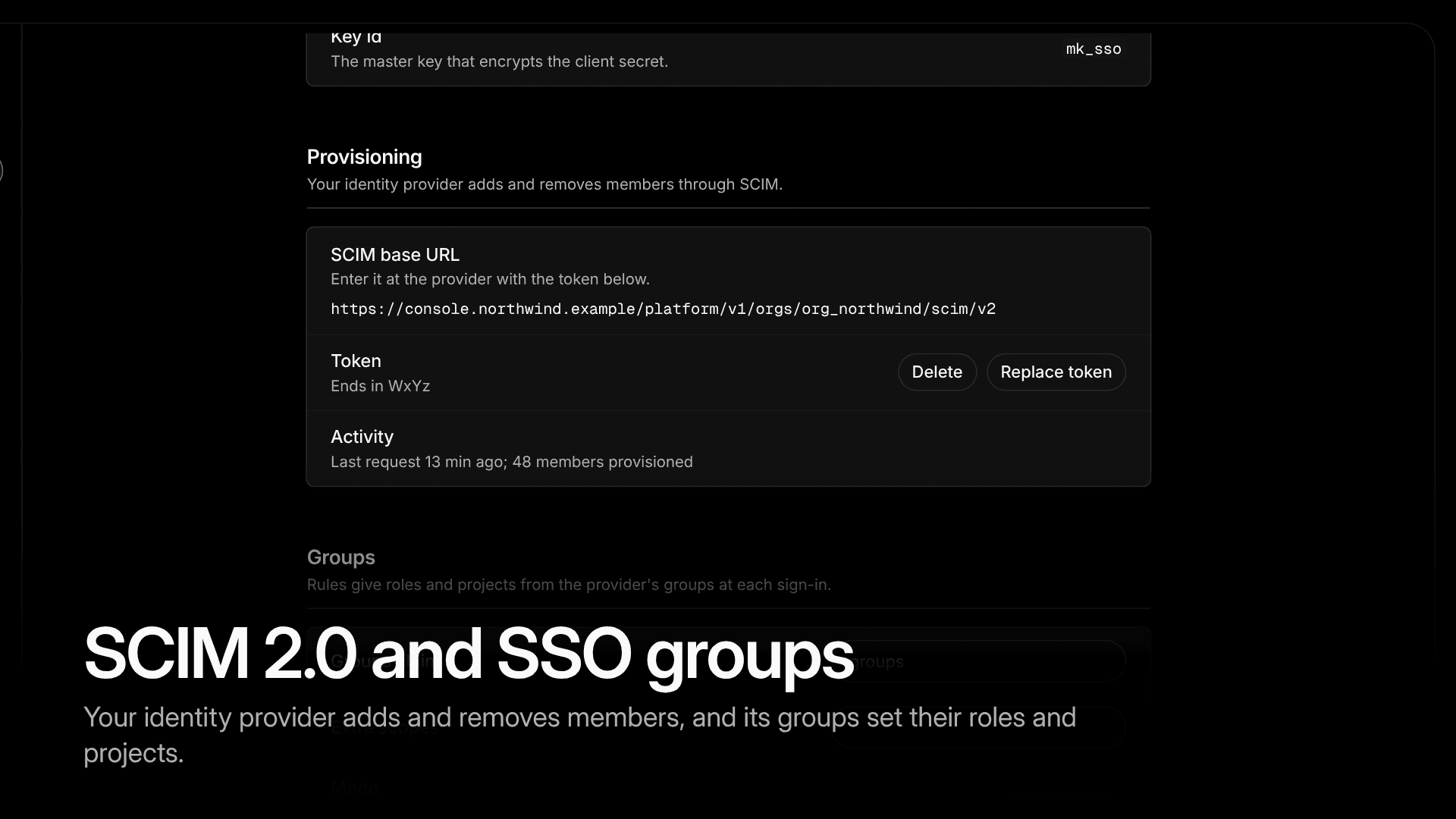
- SCIM 2.0 and SSO groups. Your identity provider adds and removes members, and single sign-on sets their roles and projects from its groups, Microsoft Entra ID included. Someone who leaves the company leaves Kaeso too.
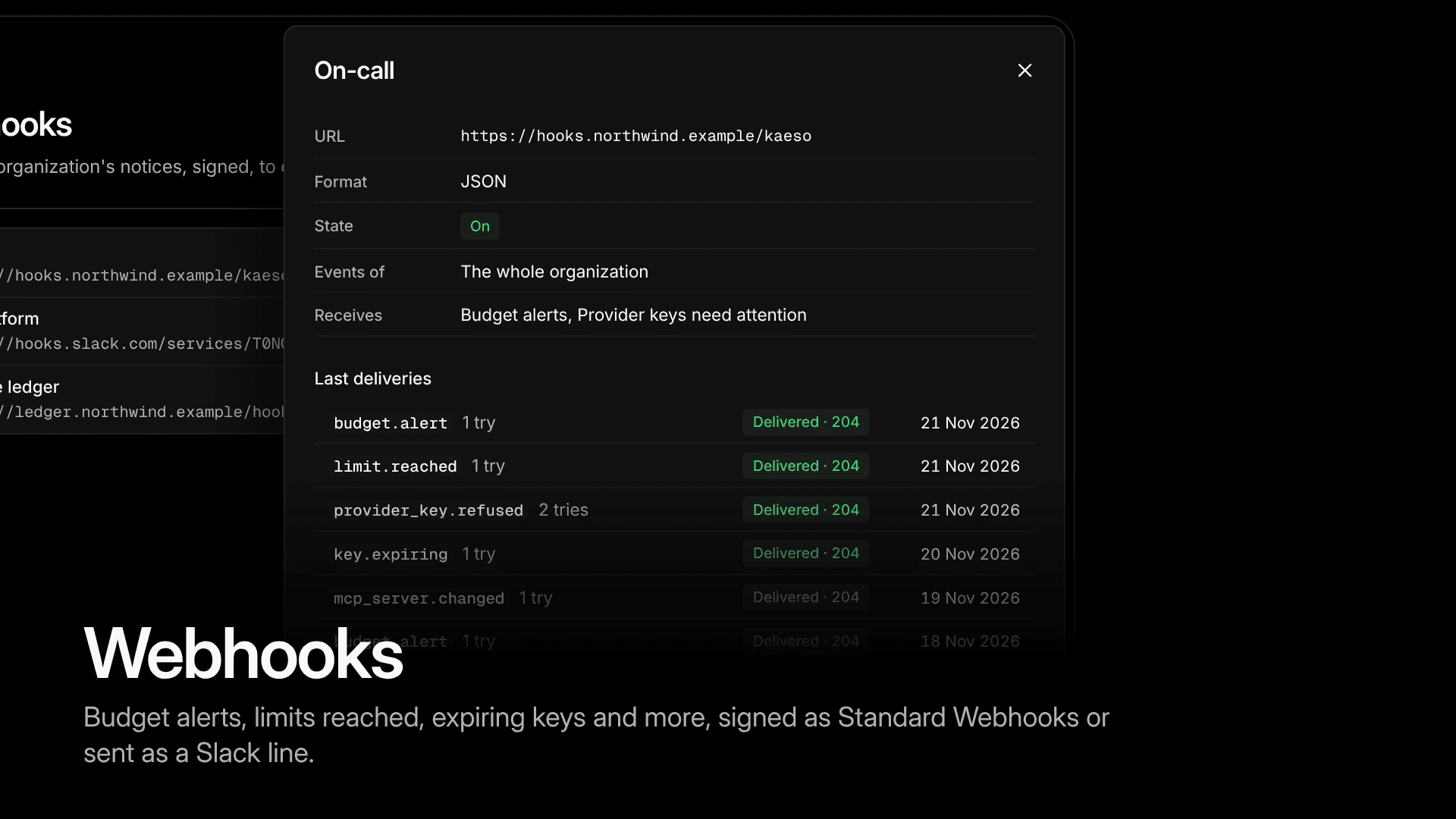
- Webhooks. Budget alerts, limits reached, expiring keys and more go, signed as Standard Webhooks or as a Slack line, to the systems your team already watches.
- Your currency. Each organization picks the currency Kaeso shows all its money in, spend, prices and budgets, at the ECB's daily reference rates. Kaeso still stores and costs everything in US dollars underneath.
- Shared links give read-only access to usage, a member's stats, a project's budgets or its summary, for the people who need the numbers but not an account.
Find any request
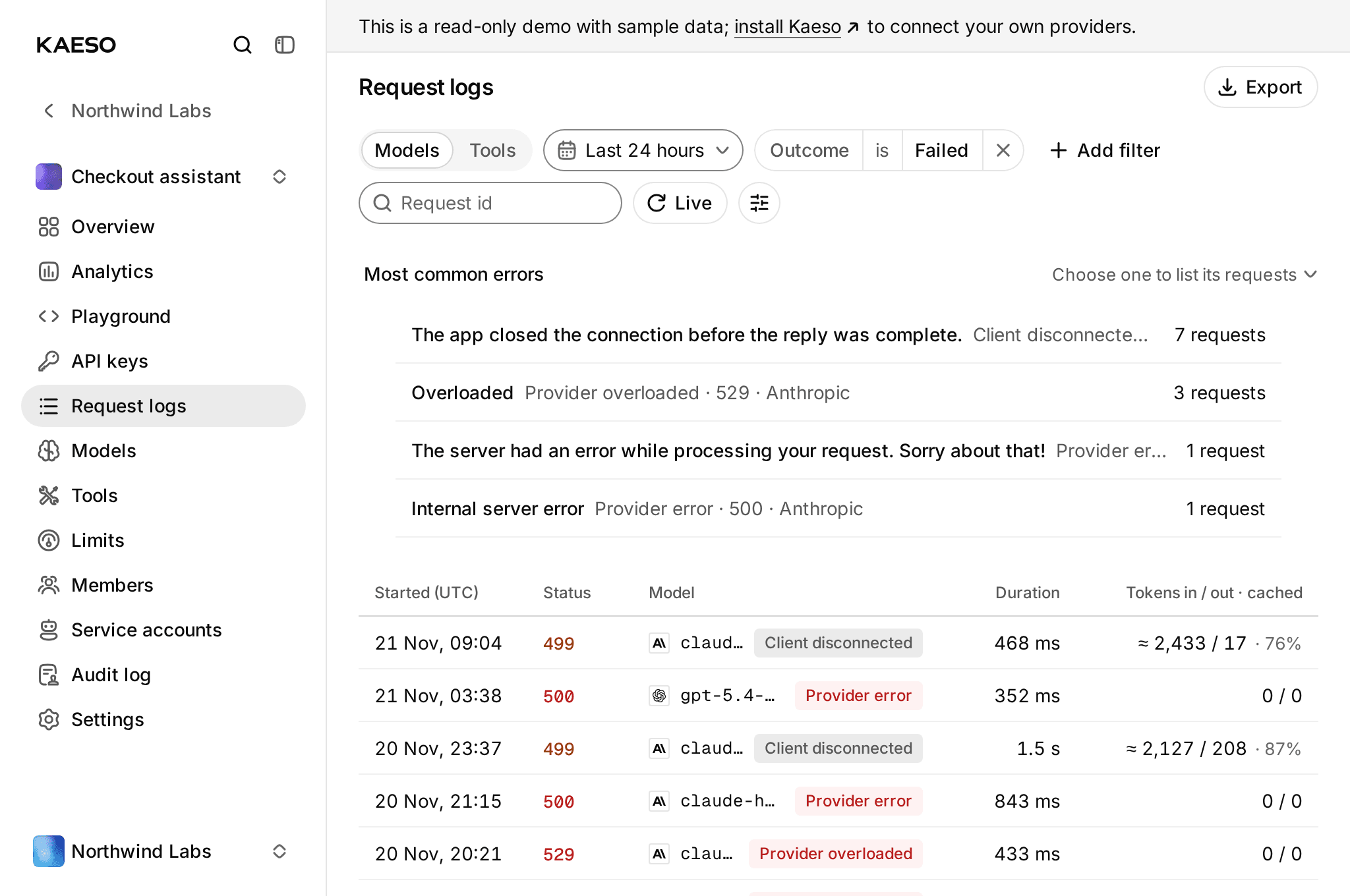
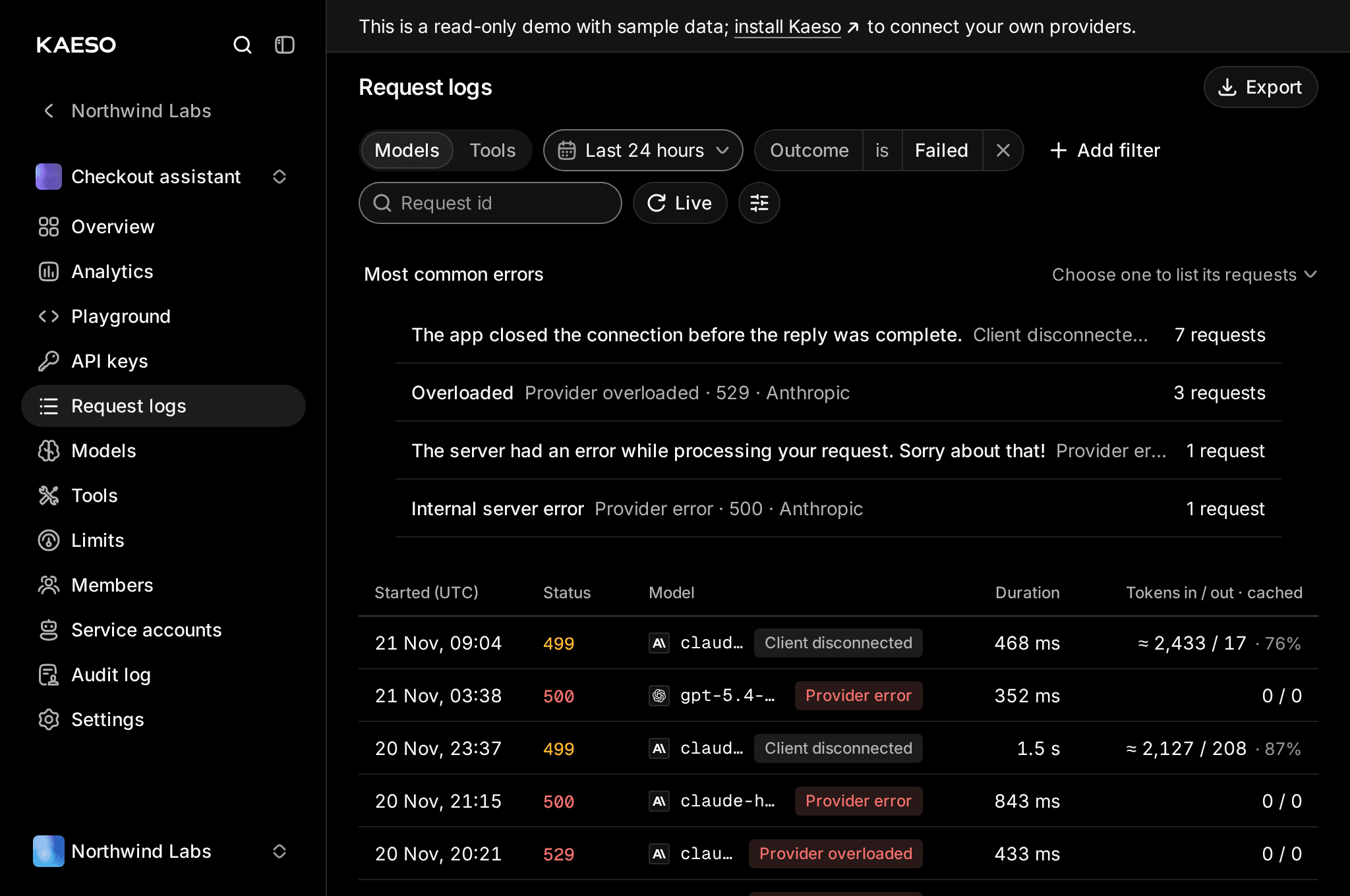
When something goes wrong, the request log now leads you to it. Filter by alias, fallback, endpoint, cost, the name the app sent, outcome, cache, duration, tag or client app, and find failures by their message, with the most common errors on top. Open a logged request in the Playground or copy it as a curl command; every Playground reply links to its entry, and the command palette opens a pasted request id. Agent conversations take far less space: the log stores each long message a session repeats only once.
A console for every screen
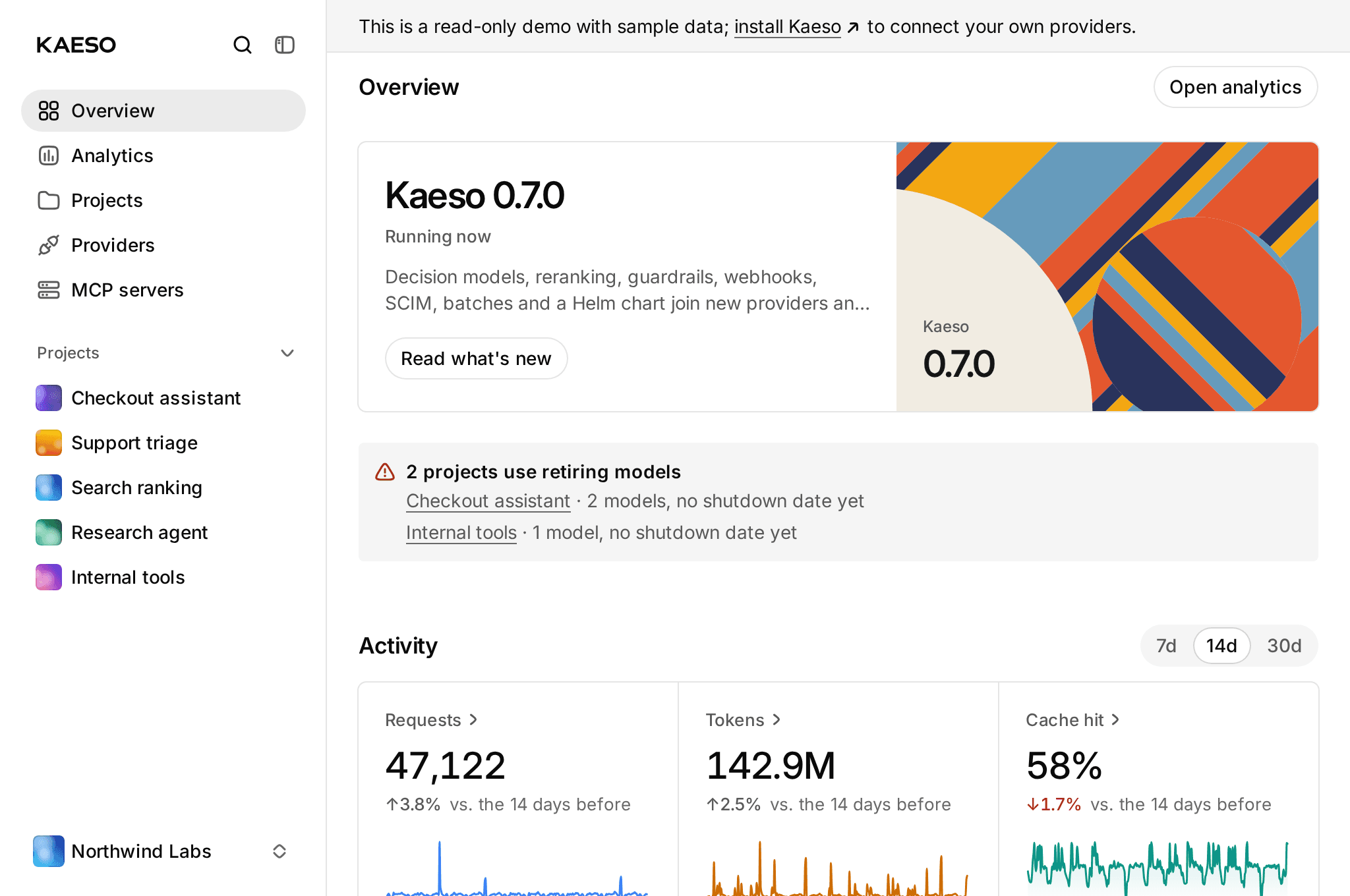
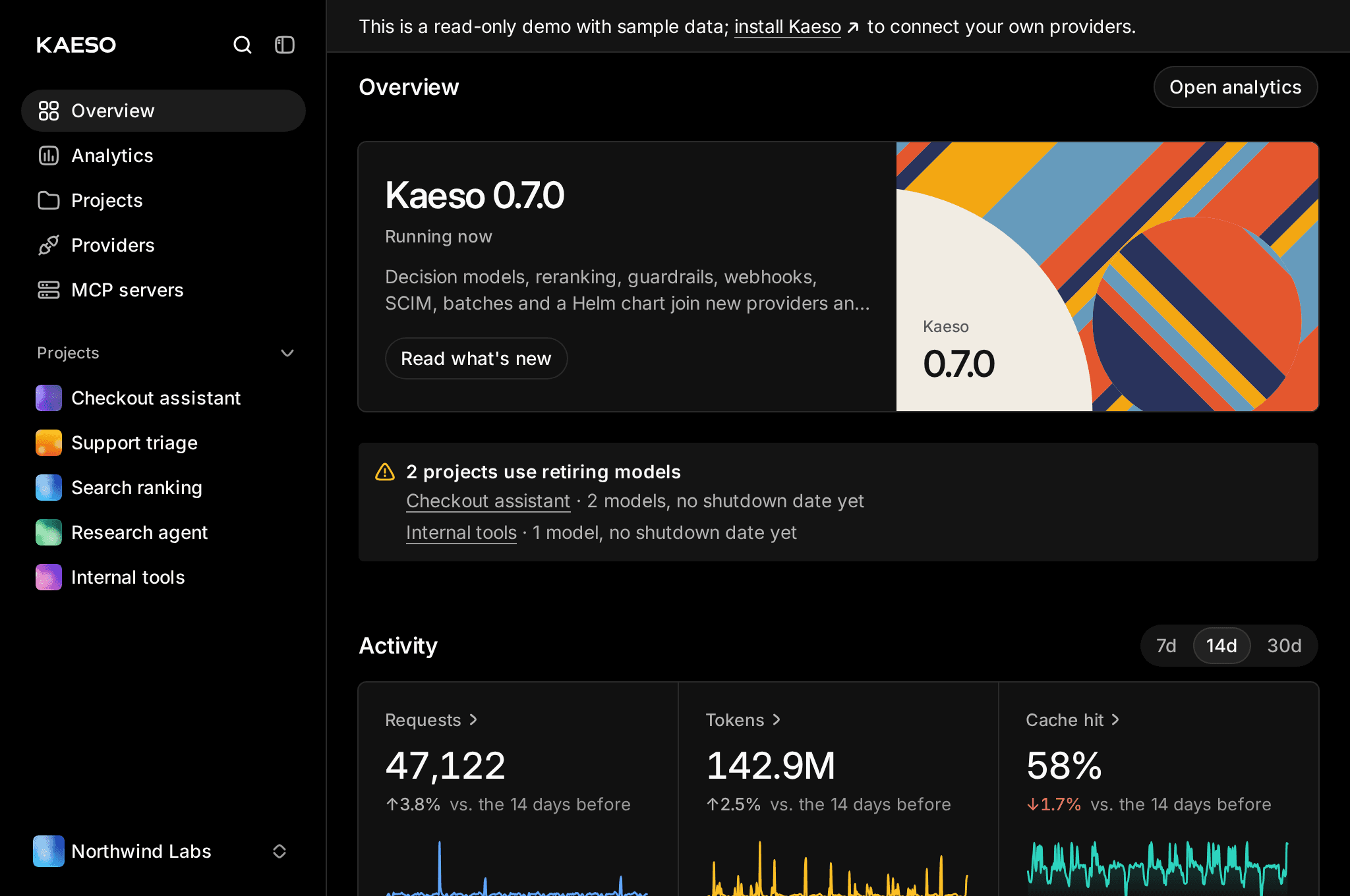
The console takes kaeso.app's design, and every page, from a project's analytics to the instance settings, fits a phone, a tablet and a wide screen in English, German and Chinese. For Claude on the web, desktop and mobile, Account › Agents has an Add to Claude button that opens Claude's connector form with your install's MCP address filled in, and the Kaeso plugin for Claude Code asks for that address when you install it.
Runs where you run things
An install now takes less memory, CPU and disk: the bundled ClickHouse writes only the diagnostics an operator reads, and the gateway allocates with mimalloc. Requests after a pause no longer wait for the database, and large Responses requests from coding agents decode in about three quarters of the time.
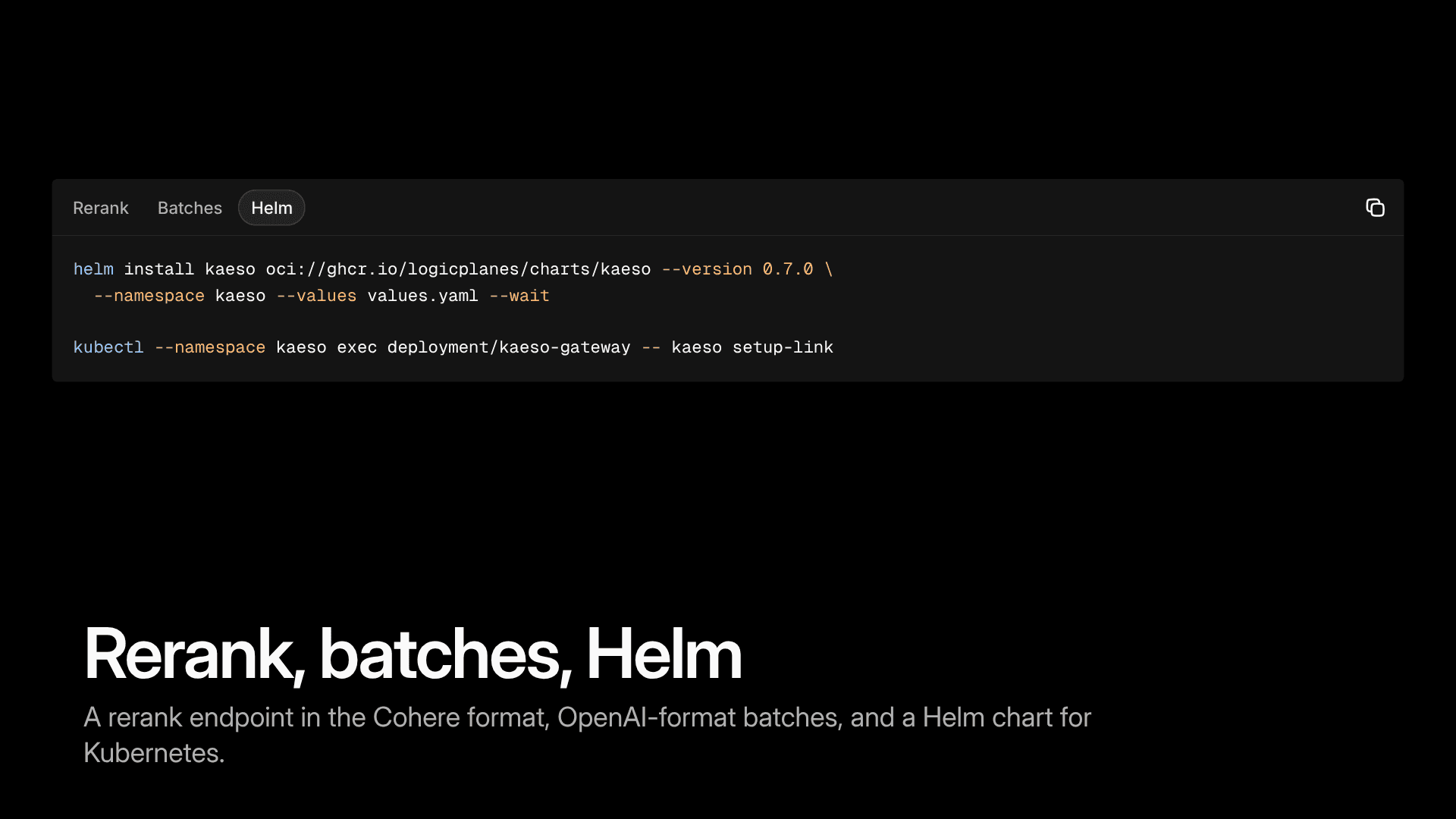
Kaeso installs on Kubernetes with a Helm chart that each release publishes next to the images, exports OpenTelemetry traces of model requests and tool calls, and reports more in /metrics, such as requests in flight and how old the model data is.
Try it
See it first: the live demo (opens in a new tab) runs 0.7.0 with sample data, decision models, guardrails, key pools and all.
Then run your own. On a server with Docker, one command installs Kaeso and prints the link to set it up:
On Kubernetes, the Helm chart does the same:
Where to run Kaeso compares the places it runs, and the installation guide (opens in a new tab) has every option. Add a provider key, point an app's base URL at your Kaeso, and the requests show up in the log. Tell us what you build with it.
Updating from 0.6
Most installs update with one click from Instance › Updates: the updater installs 0.7.0 from 0.6.0 by itself, and the database migrations run on their own.
One thing to check first. 0.7.0 refuses to start with three settings that 0.6.0 accepted. Look for them in .env, compose.override.yaml, the file KAESO_CONFIG names or your platform's variables, and fix each one before you update:
kpmr.interval(KAESO_KPMR_INTERVAL) under 5 minutes: set it to5mor longer, or remove it forauto.mcp_servers.sync_interval(KAESO_MCP_SERVERS_SYNC_INTERVAL) under a minute: set it to1mor longer, or remove it.smtp.user(KAESO_SMTP_USER) withoutsmtp.password: addKAESO_SMTP_PASSWORD, or remove the user if your mail server takes mail without authentication.
0.6.0 ran those jobs every 5 minutes and every minute anyway, and removing the SMTP user keeps sending mail as 0.6.0 did. If automatic updates are on, fix them now, before the update arrives.
How an update that still finds one of them ends:
- From the console or the update window: it stops before it switches anything, and 0.6.0 keeps running. The progress window shows Not installed with the setting and its fix. Correct it, apply it with
docker compose up -d --waitand update again; an automatic update tries again in its next window. - With the installer: it checks the settings before it stops the old gateway, prints the error and leaves 0.6.0 running.
- By hand or on a platform: the new gateway stops at startup. Correct the setting and run
docker compose up -d --wait, or deploy again.
Upgrading to 0.7.0 (opens in a new tab) in the docs has the details, and the full changelog lists every change.
By Kaeso Team