Kaeso 0.6: one gateway for chat and media, with alias routes and an MCP portal
Kaeso 0.6.0 is out. Apps make images, speech and video through the same gateway as chat, Gemini apps connect under /v1beta, aliases become routes with fallbacks and splits, and every project gets an MCP portal. Here is what changed and how to update.
- Published
- Reading time
- 5 min
- Author
- Kaeso Team

Kaeso 0.6.0 is the largest release so far. It took seven published release candidates and close to 250 pull requests, and it changes what one Kaeso install can be: no longer only the place where chat requests pass through, but where an organization's images, speech, video and tools go too, with the same keys, limits, logs and costs.
This article walks through the highlights. The full changelog lists every change, and the breaking changes are at the end of this page.
Media through one gateway
Apps now make images, video, speech, transcripts, music and sound effects through Kaeso, with the SDKs they already use:
- Images through OpenAI's Images API: generations, edits and streamed partial images, on OpenAI, SpaceX, Google, OpenRouter, Vercel, Together AI, QwenCloud, Zhipu AI, MiniMax and ElevenLabs models.
- Speech and transcripts through OpenAI's Audio API, on every built-in provider that offers it, with speech streamed as events when asked.
- Video through OpenAI's Videos API on SpaceX, Google AI Studio, Gemini Enterprise Agent Platform, MiniMax, Zhipu AI, OpenRouter, Together AI, QwenCloud and ElevenLabs. Kaeso keeps each job under an id of its own, asks the provider while it runs, streams the finished file and bills the job once, when it ends.
- ElevenLabs' own SDKs call its speech, voice changer, sound effects, music, transcription and image endpoints with a Kaeso key, realtime sessions included.
Every media request counts against the same budgets and rate limits as chat, appears in the request log and has a cost. The console shows what each request made, such as an image, the characters spoken or the length of a video, and calls a cost without a price Unknown instead of $0. With Keep media on, an organization can keep the images, audio and files of logged requests and play them back in the request inspector. It is off by default.
Media through one gateway shows each of these with code.
Gemini apps, and thirteen new providers
Apps written for Gemini, with the google-genai SDKs or plain REST calls, now use Kaeso as their base URL under /v1beta/, and reach any model of the project from there, Claude and GPT included. Streams, thinking, tool calls, token counts, embeddings and model listings all work. Gemini apps through Kaeso has the details.
Thirteen providers became built-in: Zhipu AI, MiniMax, Google AI Studio, Gemini Enterprise Agent Platform, ElevenLabs, Fireworks AI, Nebius Token Factory, SambaNova, Scaleway, Hugging Face Inference Providers, NVIDIA's hosted NIM API, Baseten and SiliconFlow. Add a key, and their models answer from every app format. Custom providers now name the server software they run, one of fifteen such as vLLM, SGLang, Ollama, LM Studio or llama.cpp, so Kaeso sends each one what it expects. The providers page lists them all.
Aliases become routes
An alias used to be another name for one model. Now it holds a route: fallbacks when a model fails, conditions on a header, the caller, the request's format or its size, and weighted splits by request, caller or header. A full-page editor builds the route as a tree, starts from templates, and its Test tab sends a request through the draft and colors each step by its answer.
When a step fails for a reason that lasts, such as a refused key, an empty balance or a rate limit, later requests skip it for a while, and every gateway of the install shares that through Valkey. The kaeso-route response header names every step a request tried. Fallbacks and splits with alias routes explains how to build one.
An MCP portal for every project
Every project now has an MCP portal at /mcp/<project>. Organizations connect remote MCP servers, projects turn their tools on one by one, and MCP clients such as claude.ai, ChatGPT and Cursor call those tools through Kaeso, with its sign-in, rights, limits and logs. When a server changes a tool's definition, Kaeso holds the tool until someone approves the change. Introducing the MCP portal tells the whole story.
A new console
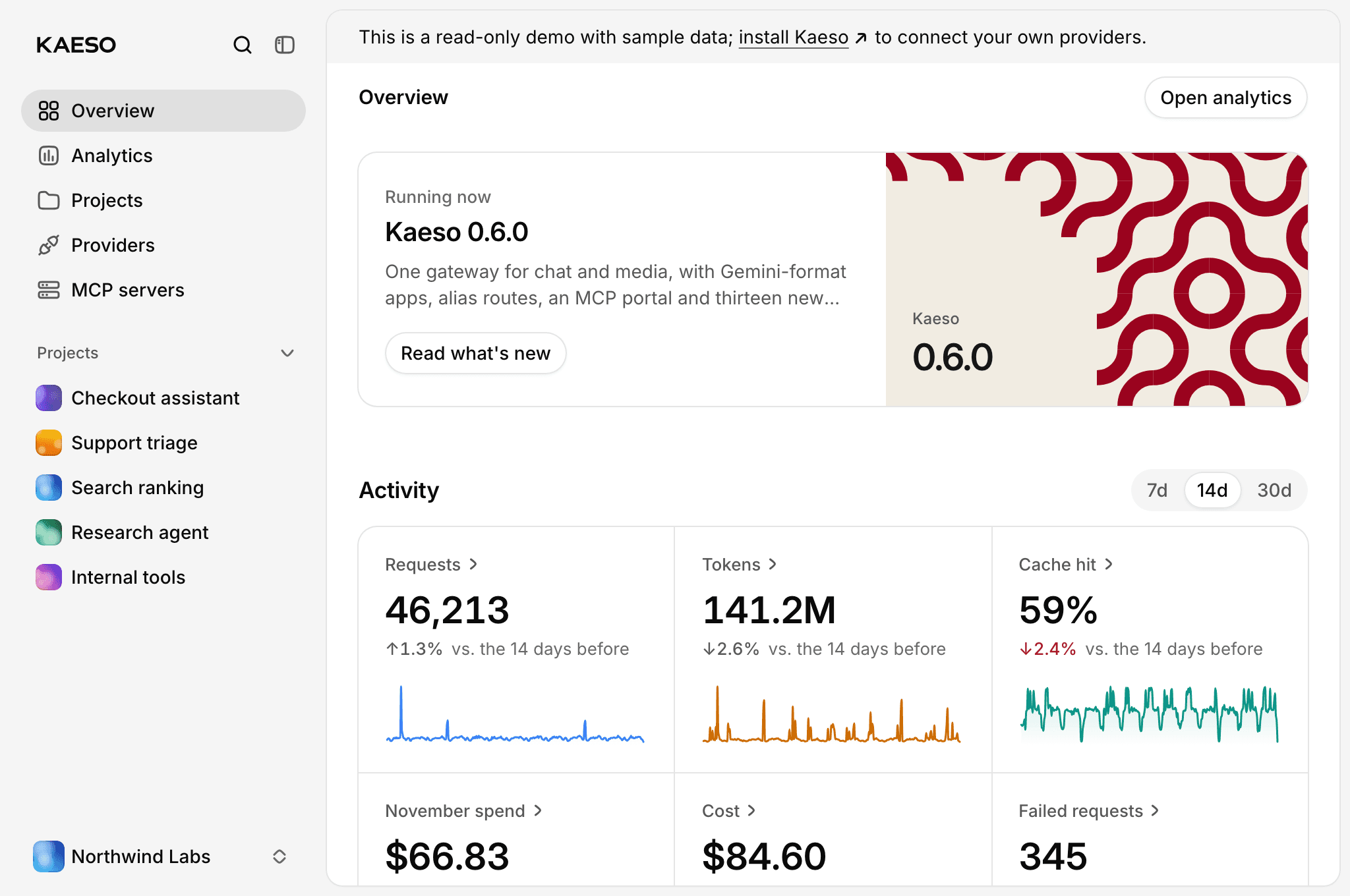
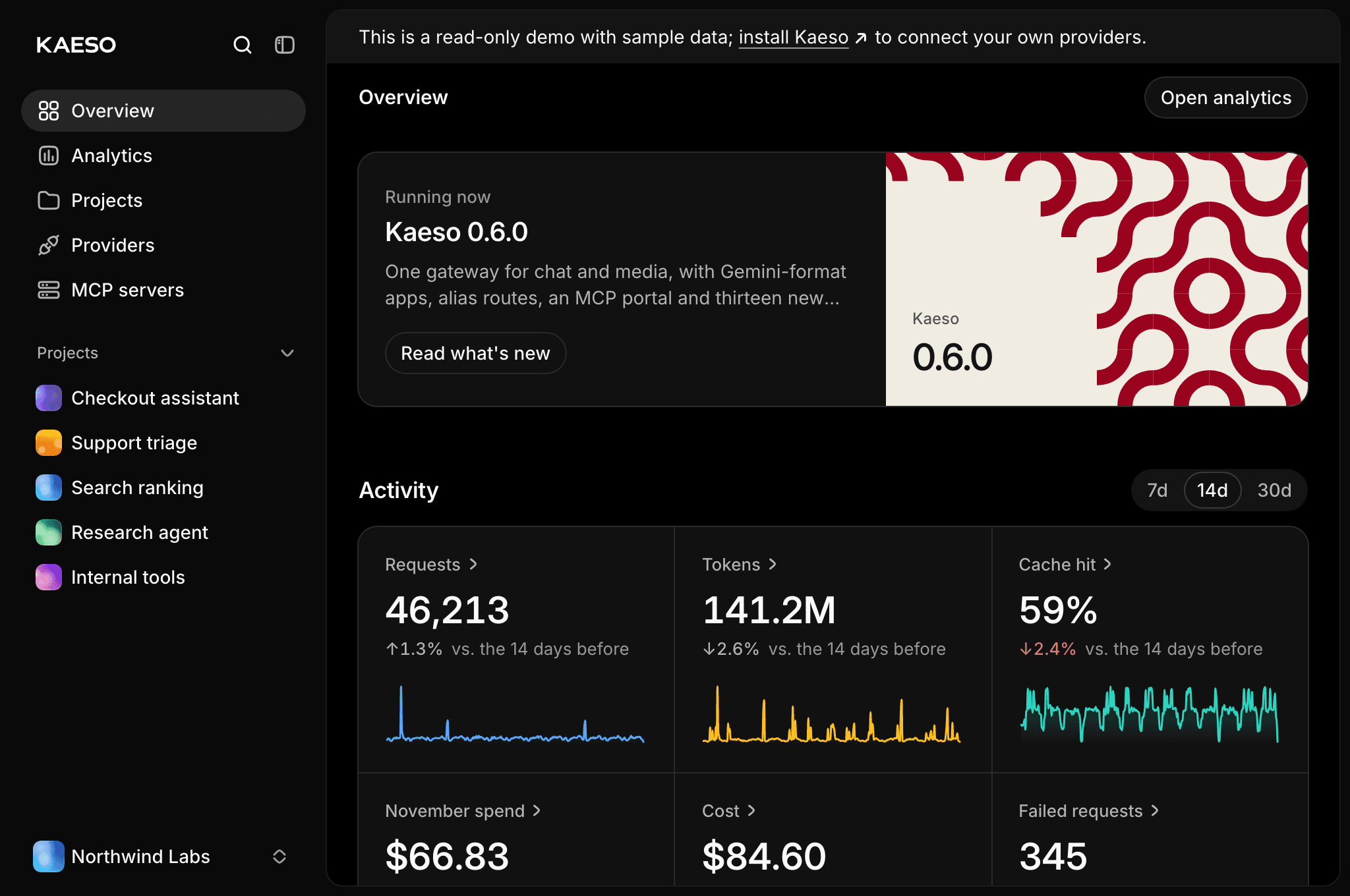
- Overview pages are homes, with the release the install runs, activity, spend, projects, members, keys, MCP servers and recent changes.
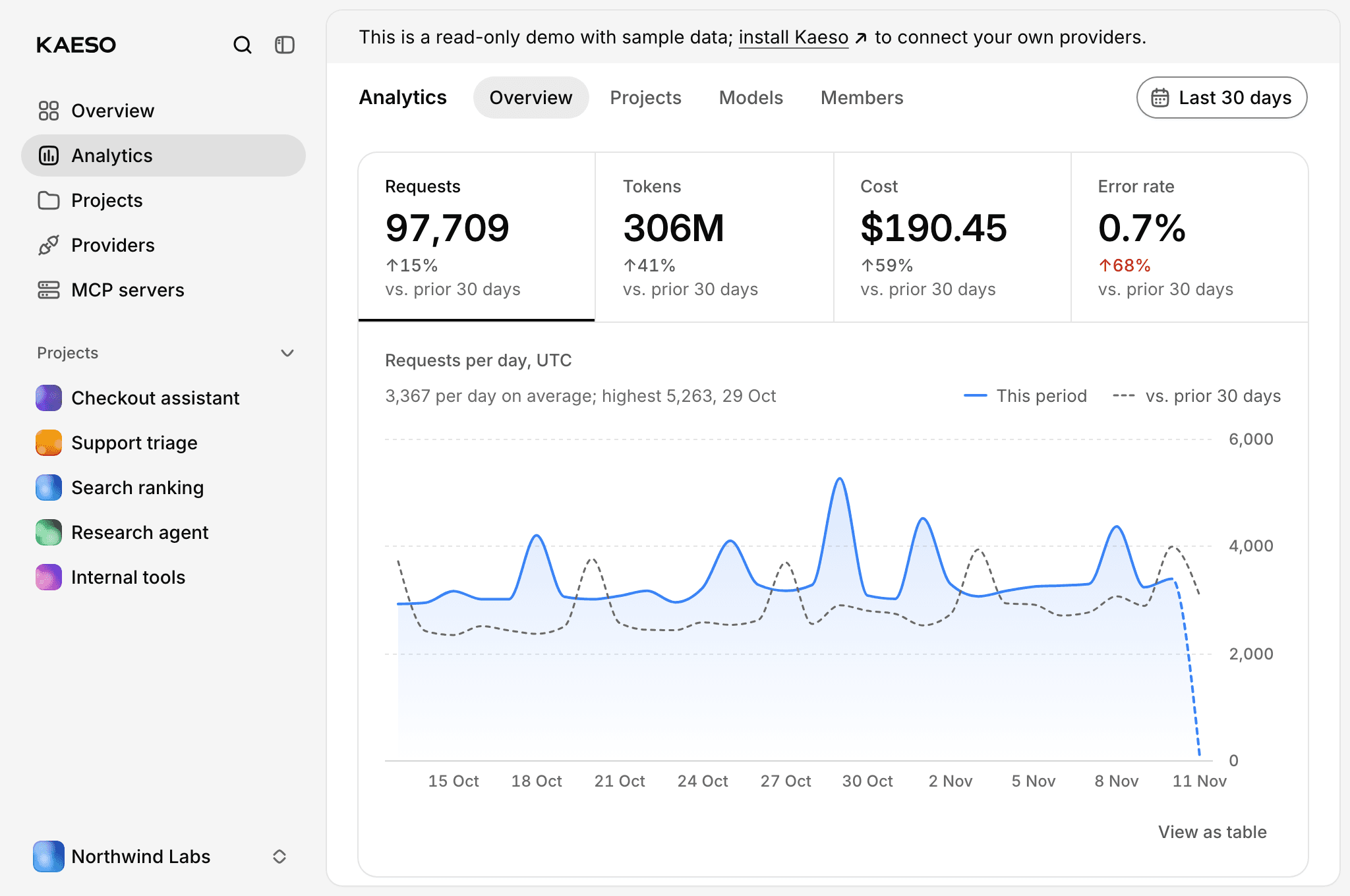
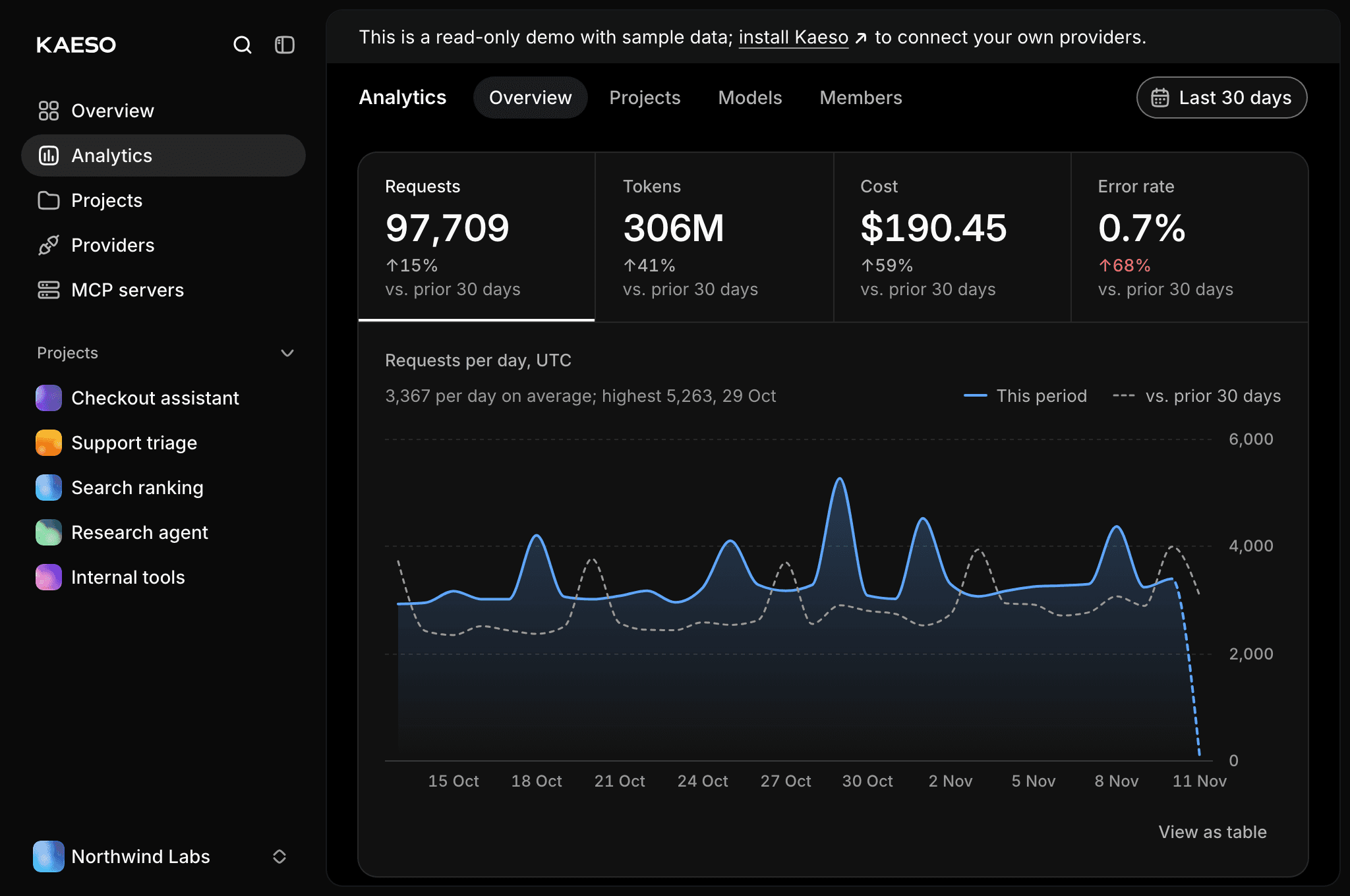
- Analytics shows usage by the minute and hour, per project, model, key and member: the period's totals and one readable chart first, then what drives usage, reliability, efficiency and spend.
- The Playground tries every kind of model side by side from one prompt: chat with images and PDFs, images, speech, sound effects, music, transcription with recorded or attached audio, and video with progress and Cancel.
- Account › Notifications lets each person choose which emails they get, now, daily or never, with a weekly summary and a monthly cost report.
Faster, and harder to break
Kaeso checks and decodes large agent requests much faster: a 200 KB Claude Code request takes under a millisecond. Requests no longer queue on shared locks, a cold project's settings, models and limits load while the body arrives, and provider credentials refresh in the background. A 25 MiB transcription upload raises the gateway's peak memory by twice its size instead of six times.
The release also closes a set of security issues found in review before it shipped. Among them: the gateway shares one memory budget among all providers' answers, so a large answer or an endless stream can no longer run it out of memory. MCP portal clients meet the organization's two-factor and single sign-on rules. A key limited to some models can no longer see videos and images made with others.
Install anywhere
Kaeso now installs with one command:
The installer downloads the newest release, writes its settings and master key, starts a stopped Docker, checks the domain's DNS record and certificate, and turns the updater on, so Update in the console works from the first start. On a cloud or a hosting platform, templates run the same release on Render, Railway, DigitalOcean, Fly.io, AWS, Azure, Google Cloud, Coolify, Dokploy and CapRover. Where to run Kaeso compares them, with a guide for each.
Before you update
0.6.0 has breaking changes. Read them before you update an existing install:
- Run the installer once. Installs from earlier releases run the installer with
--updatein the install's folder; after that, Update in the console works. - Your own reverse proxy must also route
/v1beta/and/v2/to the gateway, and pass WebSocket upgrades for ElevenLabs' realtime sessions. - No default project. Kaeso opens on the organization's overview, and new members join only the projects their invitation names.
- The model data settings are now
[kpmr]. Rename[models_dev]to[kpmr]andKAESO_MODELS_DEV_SYNCtoKAESO_KPMR_SYNCbefore you upgrade; a leftover[models_dev]section stops the gateway. - Timings in microseconds. The request log fields
request_upload_ms,overhead_msandprocessing_msare now_usfields, with no alias. - The UI library exports only documented components, and
kaeso-kpp'sBase64Source::dataholds decoded bytes.
The upgrade guide (opens in a new tab) has the steps.
Try it
The live demo (opens in a new tab) runs 0.6.0 with sample data: open the Analytics, the alias routes and the Playground to see the new console without installing anything. When you are ready, install Kaeso (opens in a new tab), and tell us what you think.
By Kaeso Team