Hard budgets, rate limits and organization currencies
How Kaeso counts and stops spend in real time: worst-case reservations in Valkey for hard budgets, nested project and key limits, kaeso-limits headers, and organization display currencies at daily ECB rates.
- Published
- Reading time
- 5 min
- Author
- Kaeso Team

A spend budget that only checks historical database rows after requests finish is not a hard budget: twenty concurrent requests from a coding agent or batch script will sail past a $50 cap before the first stream completes.
Kaeso enforces limits and budgets in Valkey on the request path, using exact decimal arithmetic and worst-case in-flight reservations, while storing permanent usage totals in PostgreSQL. And in Kaeso 0.7.0, each organization can view its spend, model prices and budgets in its own currency — converted at the European Central Bank's daily reference rates while every calculation underneath stays in exact US dollars.
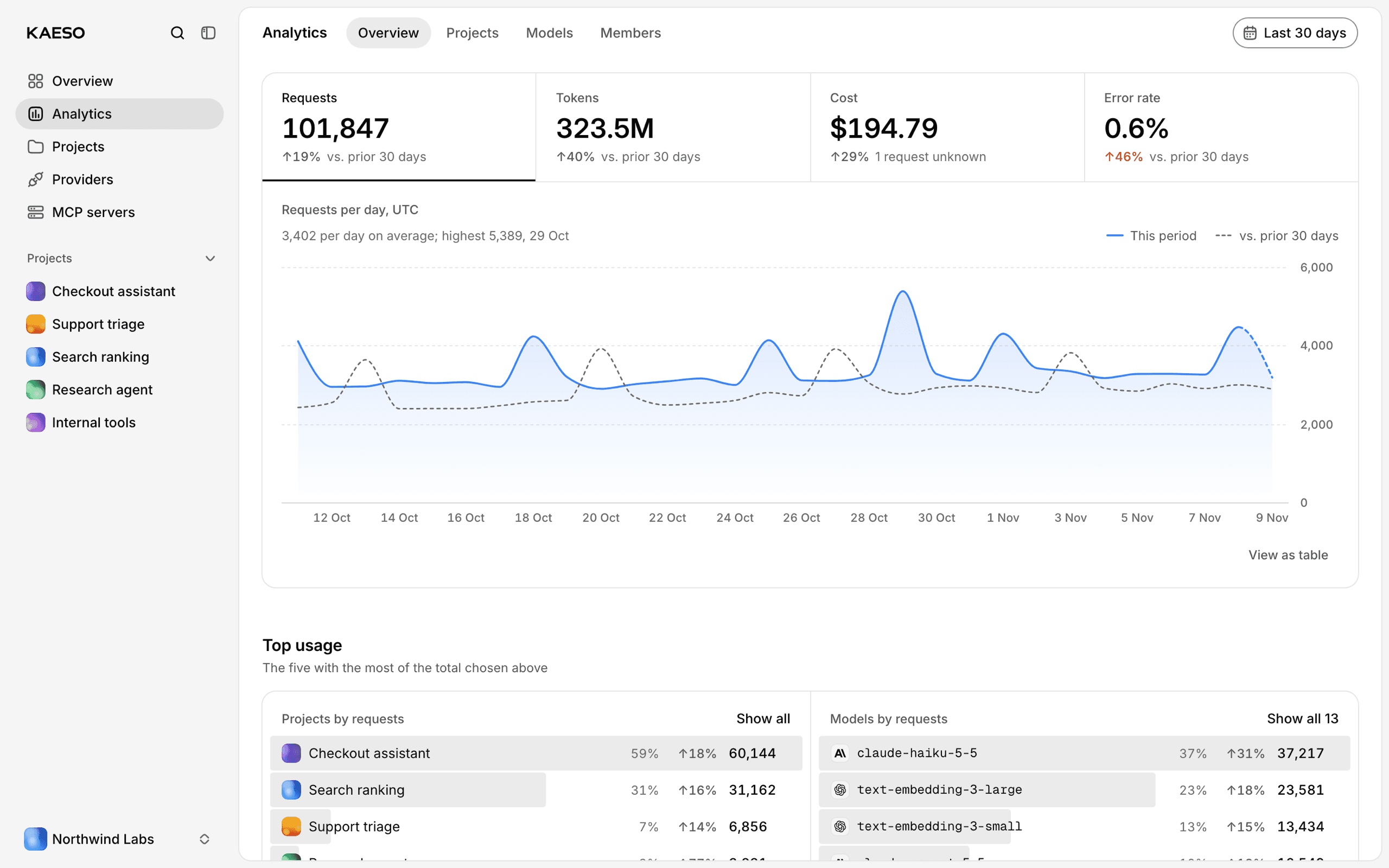
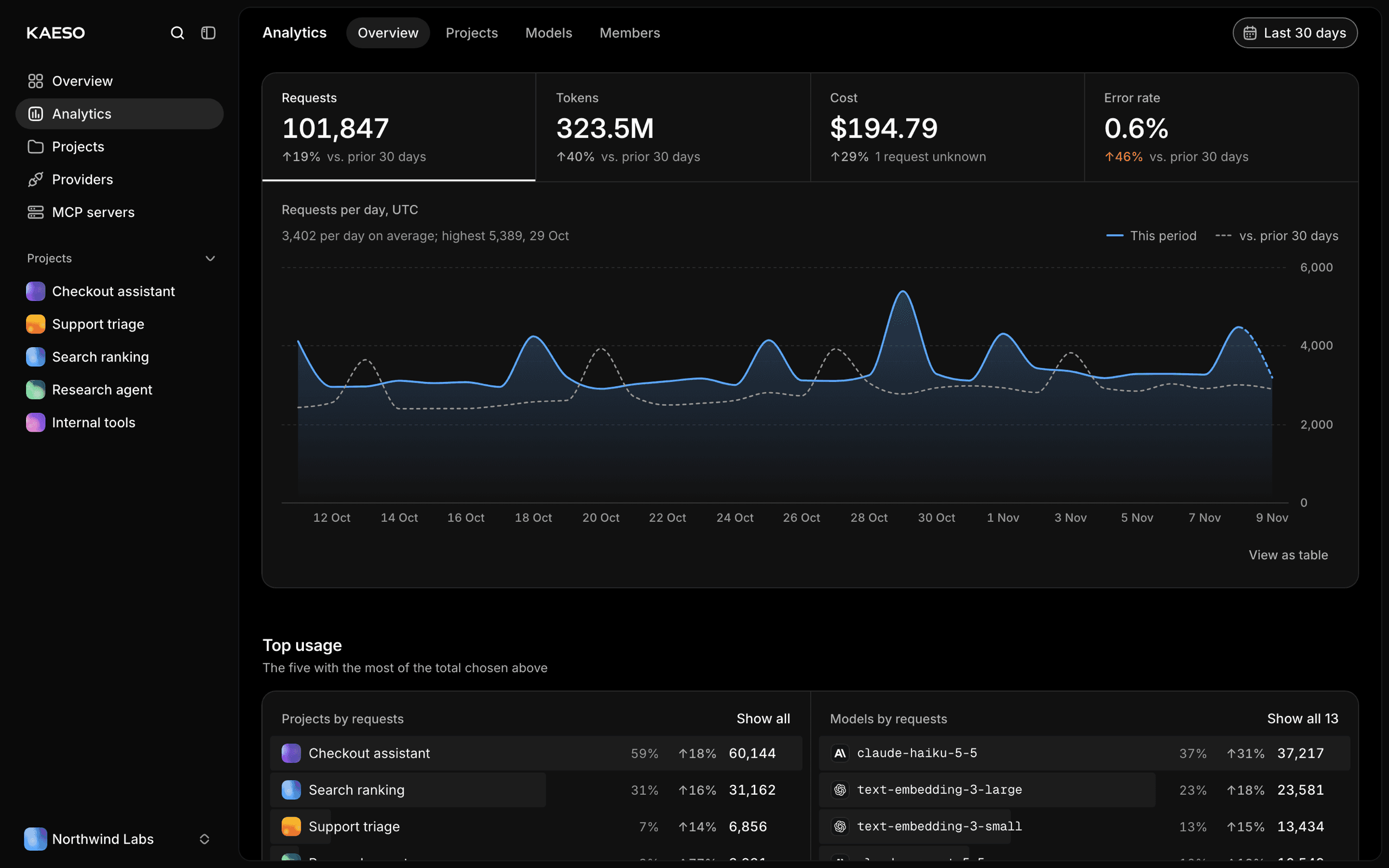
Three nested levels, five kinds of limit
In any project, limits apply at three levels — Project, Member or Service account, and API key — and a request must pass every level that applies to it:
- Spend budget
- What it counts
- Cost at the model's prices (set in the organization's currency, checked in USD)
- Period
- Calendar day (UTC), calendar month (UTC) or total
- Behaviour when reached
- Hard (default): refuses with
429. Soft: lets through and alerts
- Token budget
- What it counts
- Input + output tokens
- Period
- Calendar day (UTC), calendar month (UTC) or total
- Behaviour when reached
- Hard (default): refuses with
429. Soft: lets through and alerts
- Request rate
- What it counts
- Requests
- Period
- Sliding minute
- Behaviour when reached
- Always refuses with
429andRetry-After
- Token rate
- What it counts
- Input + output tokens
- Period
- Sliding minute
- Behaviour when reached
- Always refuses with
429andRetry-After
- Tool call rate
- What it counts
- MCP tool calls through the project's MCP portal
- Period
- Sliding minute
- Behaviour when reached
- Always refuses with
429andRetry-After
Each limit can cover all models in the project or one specific model (or model line). Limits nest strictly: a key's budget cannot exceed its owner's budget for the same period and model, and a member's or service account's budget cannot exceed the project's. With Copy to… in a limit's menu, you can apply the same limit template across other members, service accounts or keys in seconds.
How hard budgets prevent concurrent overruns
When a request arrives under a hard spend budget or a token rate, Kaeso does not wait until the reply finishes to count it:
- Reserve the worst case before calling the provider. Kaeso estimates the input tokens from the request size and adds the request's maximum output (
max_tokensormax_output_tokens, or the model's catalogue output limit when omitted). For a spend budget, it prices the input at the highest applicable rate (base input, cache write, 1-hour cache write when requested, or long-context tier price when the prompt exceedscontext_above) plus the maximum output at the model's output price, and holds at least the average request cost in that period. - Hold while the stream runs. If in-flight reservations could exhaust what remains of a hard budget or token rate, the next concurrent request receives
429withRetry-After: 1until running requests finish and release their unused reservation. (Sending a smallermax_tokensfrom your app lets more requests run side by side under a tight budget.) - Settle to the exact cost on completion. As soon as the provider reports usage — or before the reply finishes streaming — Kaeso replaces the worst-case hold with the actual cost. If a step fails or an alias route falls back to another model, the failed step releases its hold immediately so the fallback step can check its own limits.
- Fail closed if Valkey is down. Because Valkey is configured with
noevictionand holds the active counters, if Valkey is unreachable Kaeso lets requests under rate limits and soft budgets pass, but refuses requests governed by a hard budget with503(or500in OpenAI formats so SDKs retry) rather than risking an uncounted overrun.
Features a spend budget refuses upfront (403)
Kaeso prices requests from token and media counts. Some provider-hosted features carry separate per-call fees or surcharges that token prices do not cover — such as provider-executed web_search, file_search, code_execution / code_interpreter, priority service tiers, or Anthropic's context-1m-… beta header, as well as models without a known price (unless an admin explicitly set the price to 0 by hand).
While any spend budget (hard or soft) applies to the key, its owner or the project, Kaeso refuses requests using those unpriceable features with HTTP 403 before anything reaches the provider, naming the feature and budget level. Tools your own application executes (function tools, local bash/editor/computer tools) are priced normally by tokens and pass without restriction.
Headers for apps: kaeso-limits and kaeso-cost
Apps do not have to guess how close they are to a cap:
kaeso-limits: When the key's owner holdslimits.view(andusage.costsfor spend budgets), every model response includes an RFC 9651 structured list of remaining rates and hard budgets with their reset times in seconds:kaeso-cost: On non-streamed responses where the caller may view costs, Kaeso also returns the request's cost in US dollars.Budget alerts and webhooks: Each budget alerts at up to 10 customizable percentage thresholds (
50%,80%and100%by default), emailing organization owners/admins, project admins and (for a key budget) the key's owner, and firing signed webhooks (opens in a new tab).
Organization currencies at daily ECB reference rates
In Kaeso 0.7.0, an organization admin can open Organization settings › General and set Currency to any of roughly 30 currencies published in the European Central Bank's daily euro foreign exchange reference rates (opens in a new tab) (EUR, USD, GBP, CHF, JPY, CAD, AUD and more).
- Exact USD underneath. Kaeso stores and calculates every model price and request cost in US dollars using exact decimals, computing each currency's USD cross-rate to 12 decimal places from the ECB's daily feed (fetching the last 90 days on first start and refreshing every 6 hours).
- Historical spend uses each day's rate. Analytics, overviews, request logs, shared links and cost emails convert each day's spend at the ECB rate of that day (weekends and holidays use the preceding working day). CSV exports include both the organization's currency (
cost_eur) andcost_usdside by side for accounting. - Budgets in your currency. Spend budgets are entered and kept in the organization's currency (for example
€40.00/month) and checked in USD at the latest ECB rate.
Next steps
- Limits and budgets in the docs (opens in a new tab): full rules for hard and soft budgets, unpriceable features and reservations.
- Currencies in the docs (opens in a new tab): ECB rate sync, custom price overrides and Platform API fields.
- Request logs and privacy: inspect cost basis (
reported,measured,estimated,none) on every request.
Product names in this article belong to their owners and are used only to name the software and services involved. Kaeso is not affiliated with or endorsed by them.
By Kaeso Team